Download State Connect APK 1.193 for Android
CASUAL AZUR GAMES APK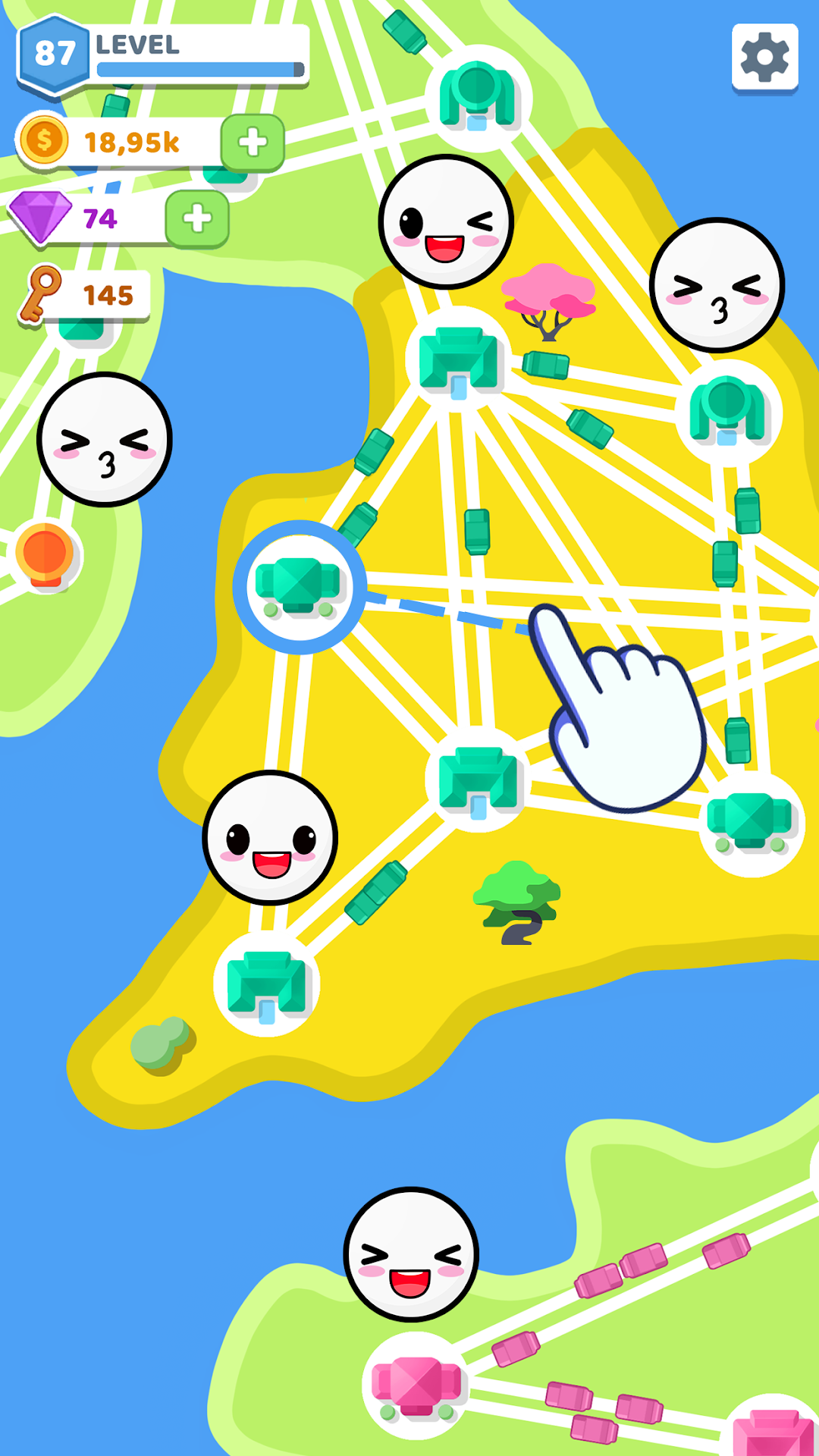
| Name | State Connect: Traffic Control |
|---|---|
| Publisher | CASUAL AZUR GAMES |
| Version | 1.193 |
| Size | 64MB |
| Requires | Android 5.1 |
| Get it on | Google Play ↗ |
| Category | Simulation |
| Downloads | 1,293 |
| Price | FREE |
| Rating |
★
★
★
★
★
2/5
(2)
|
| Author | |
| Updated |
State Connect: Traffic Control is one of the most calming idle games on Android, right up until a forced ad cuts in every ninety seconds, and that single frustration is what sends most players searching for a modded APK.
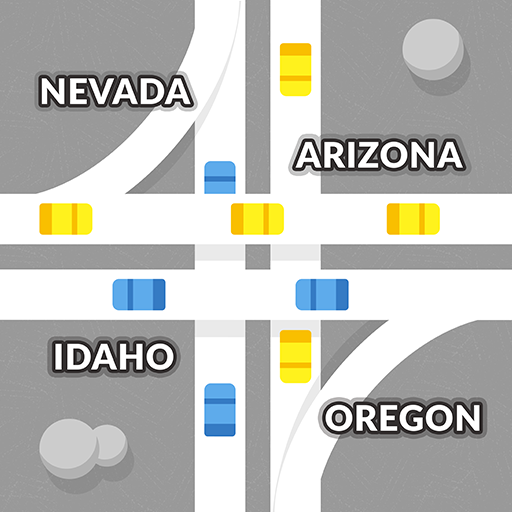
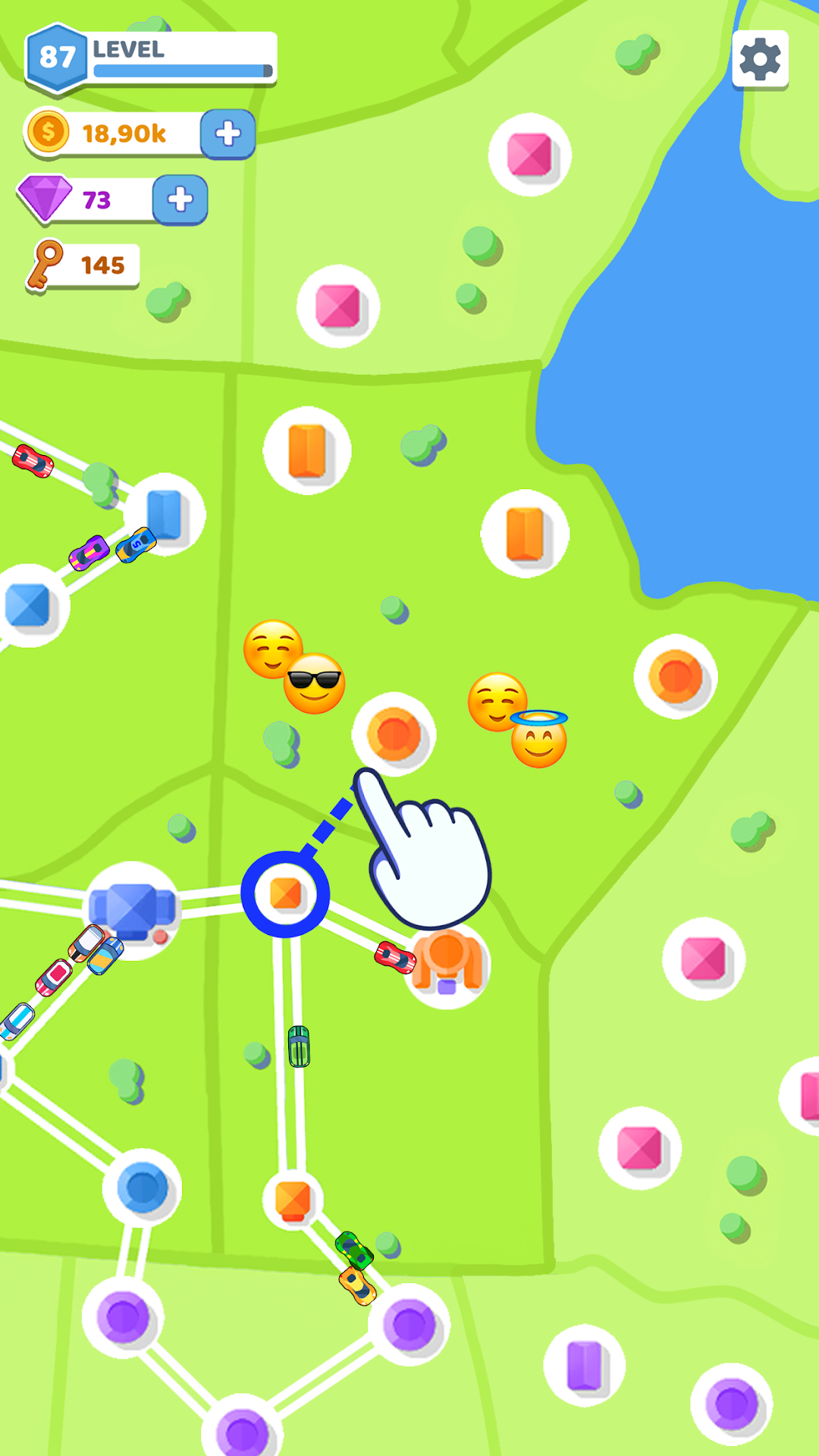
State Connect: Traffic Control is a free, casual road-building game from Casual Azur Games (package com.TwinCrab.Motorpolia) where you drag your finger between cities to draw motorways, watch streams of cars fill the roads you connect, and pour the money they earn back into bigger, busier networks. It is simple to pick up and genuinely satisfying to watch. The catch is the advertising load, which is heavy enough that a “no ads” purchase and a wave of modded versions both exist mainly to remove it. This page covers what the game actually is, how it plays, what the mod APK really changes, how to install any APK without putting your phone at risk, and where the honest limits of a mod sit.
- What State Connect: Traffic Control actually is
- How the game plays, from your first road to a full network
- Why so many players look for the mod APK
- What the State Connect mod APK changes versus the original
- How to download and install the APK safely
- Is the State Connect mod APK safe? The risks worth knowing
- Tips to build smoother, higher-earning networks
- How it compares to similar idle and connect games
- Frequently asked questions
- The bottom line
What State Connect: Traffic Control actually is
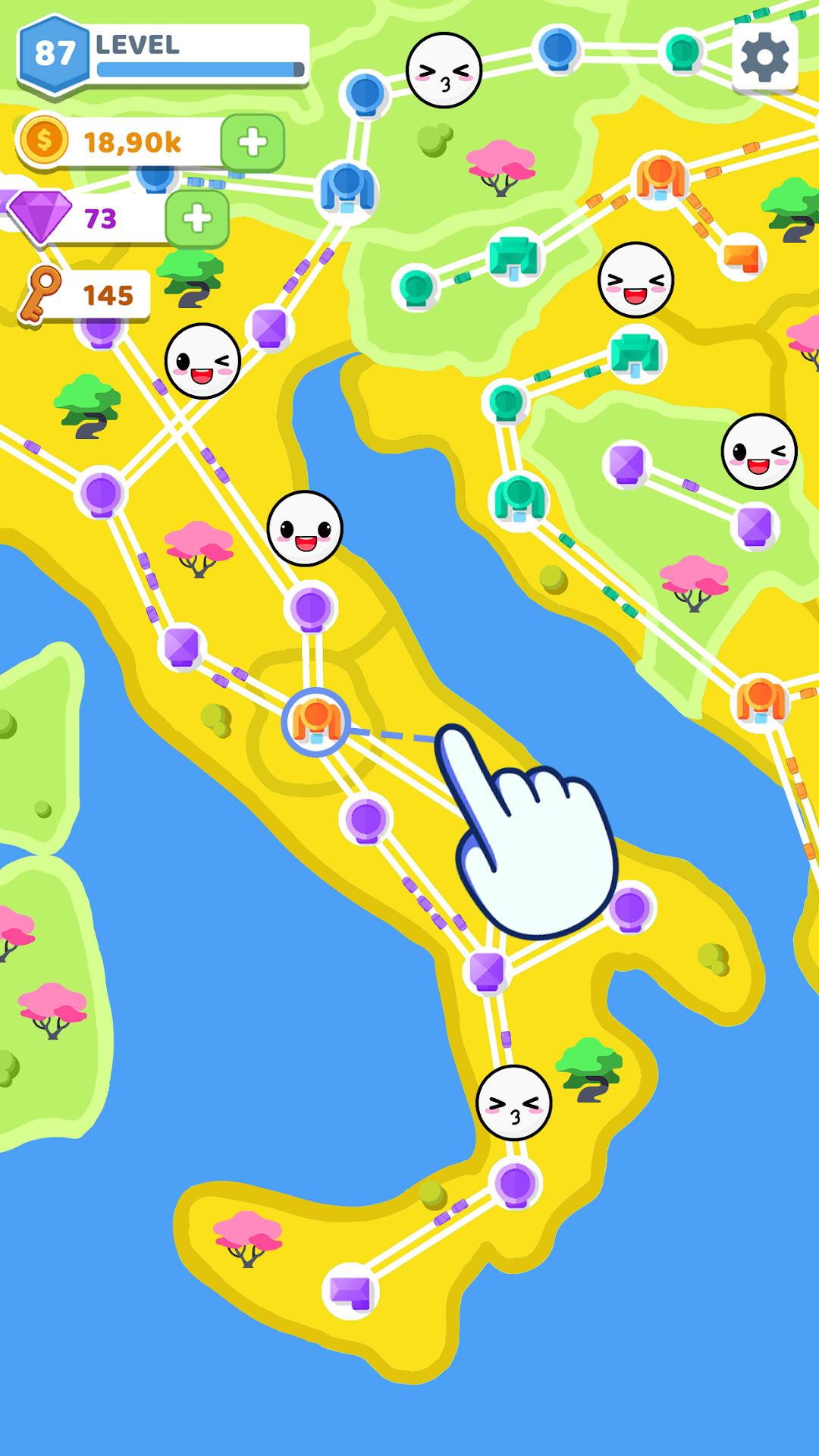
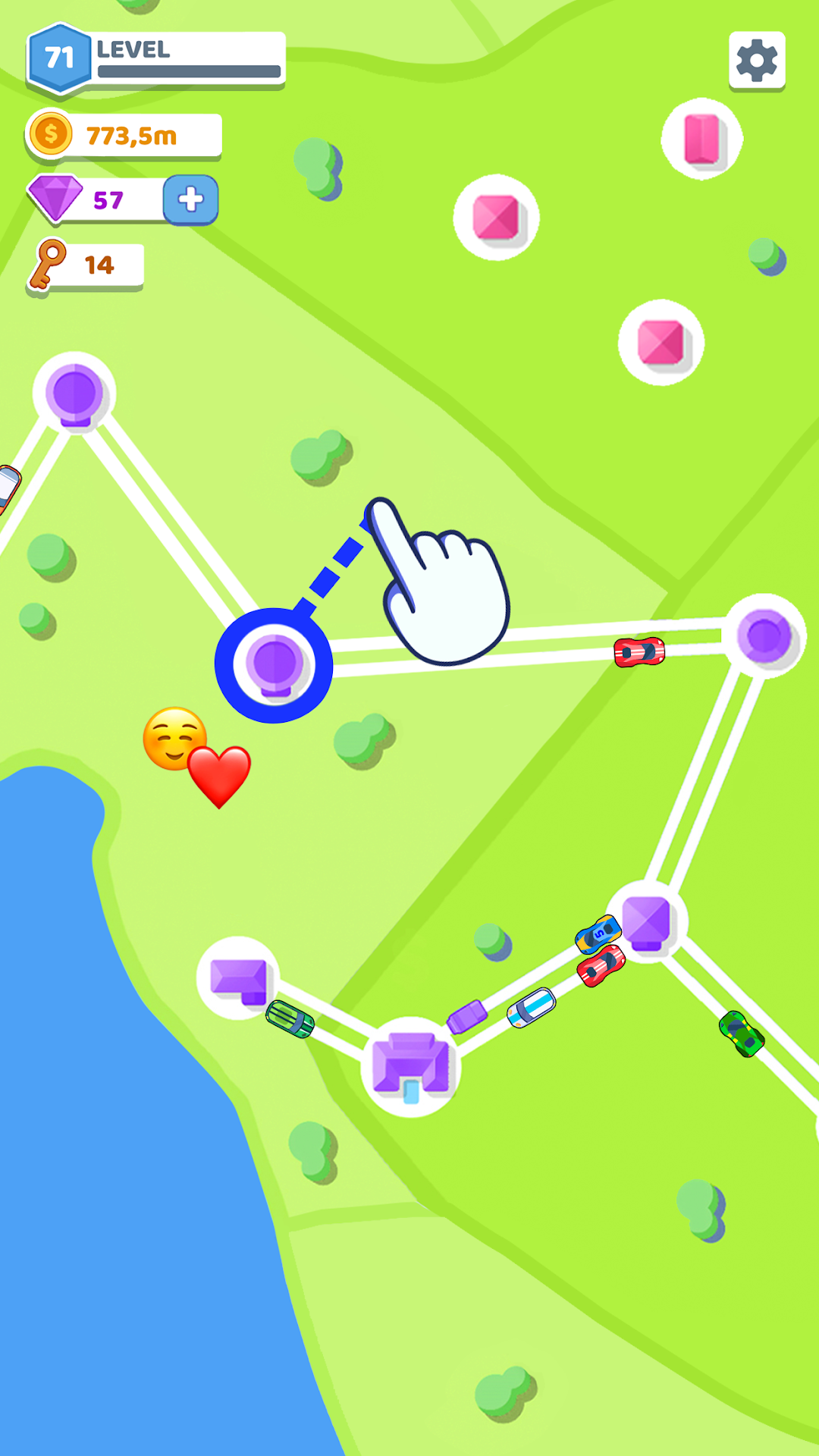
State Connect is an idle traffic-connection game, not a traffic-light simulator. You are given a map dotted with cities, and your only core action is sliding a line from one city to another to build a road. Once a road exists, cars drive along it on their own and drop coins as they travel. There are no traffic signals to time, no lanes to manage, and no accidents to prevent, despite what some download pages claim. The loop is build a connection, collect the income, upgrade, repeat.
It launched on January 6, 2022 and has since passed 10,000,000 installs on Google Play as of June 2026, with a separate iOS release rated 12+. The download is light, around 71 MB, and it runs on Android 5.1 and up, so it works on older and low-end phones without trouble. The appeal is exactly that low-friction, low-pressure rhythm: it asks for very little attention and rewards you with a screen full of moving cars.
How the game plays, from your first road to a full network
The whole game runs on one gesture and one feedback loop. You slide from city to city to lay highways, cars begin moving, and that movement generates currency you spend on new links and on upgrading cities so they spawn more traffic. Bigger cities mean more cars, more cars mean more income, and more income lets you reach across the map to connect distant territories.
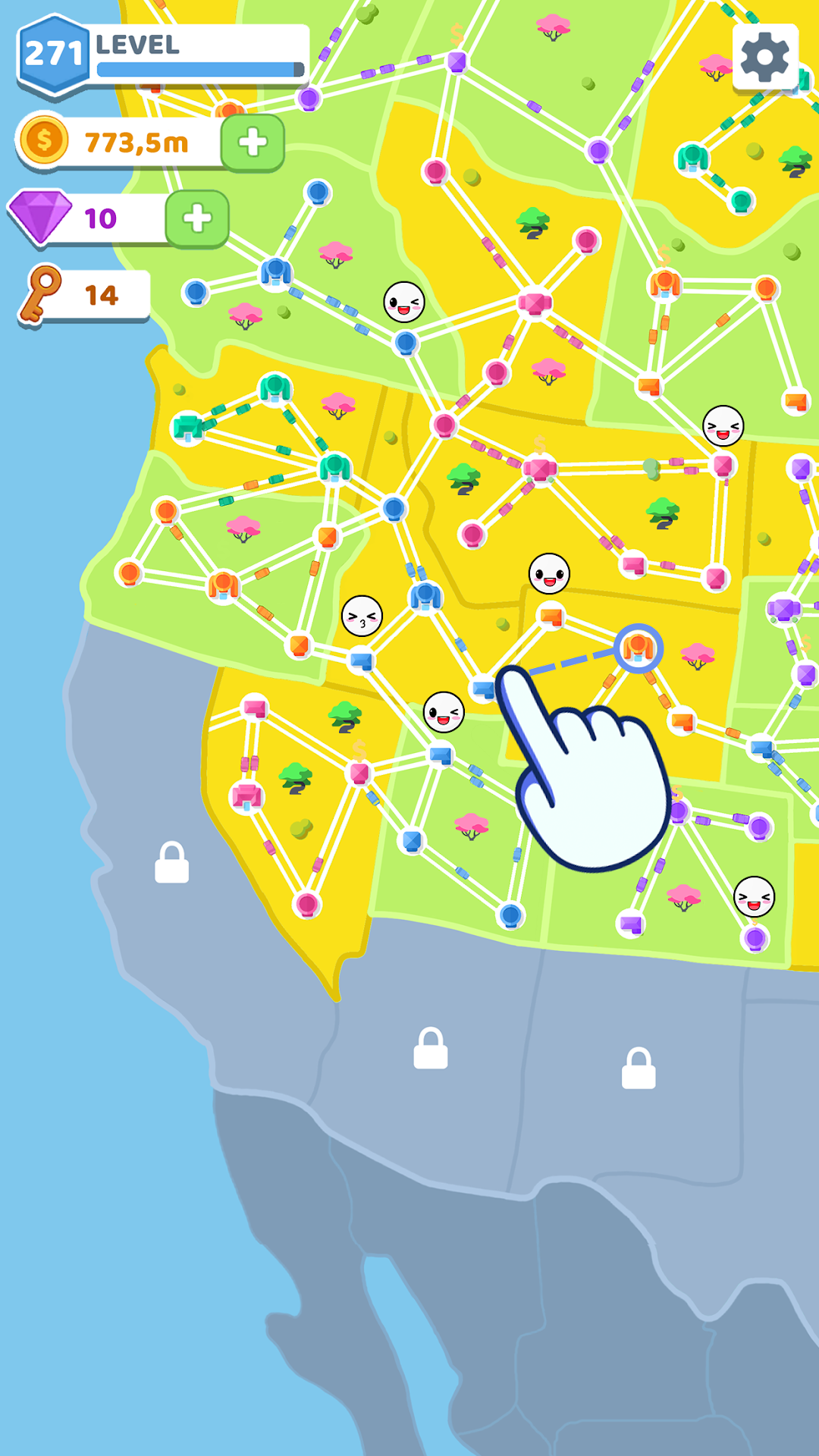
Progression comes from completing a region and unlocking the next one, which is larger and more tangled than the last. Early maps are a handful of points you can wire together in a minute. Later maps sprawl into more than a hundred cities, where the fun shifts from “can I connect this” to “how do I keep the whole grid flowing without it looking like a knot.” There is a light idle layer too, since roads keep earning while you are away, so you can leave and come back to a pile of coins waiting to be spent. Honestly, the mechanics never grow much beyond this, which is why some long-time players describe it as relaxing rather than deep.
Why so many players look for the mod APK
The mod hunt is driven almost entirely by one thing: ads. The free version of State Connect is widely criticised for interruptions, with App Store reviewers reporting forced 30 to 60 second ads arriving roughly every 90 seconds of play. For a game whose entire pleasure is an uninterrupted flow of cars, that pacing breaks the experience. Casual Azur Games sells an official “no ads” option inside the game, which is the clean, developer-supported way to fix this.
Modded APKs offer the same ad removal plus extras the paid option does not, which is the second reason people search for them. They want the calm of an ad-free map without the watch-an-ad-for-coins economy, and many also want the early-game grind removed entirely. That demand is real and easy to understand. Whether a mod is the right way to meet it is a separate question, covered further down.
What the State Connect mod APK changes versus the original
A mod APK is a repackaged copy of the original game with its files altered, so the honest summary is that it changes the economy and removes ads, nothing more. Across the versions circulating as of June 2026, the features advertised are consistent: unlimited coins or gold, unlimited gems, unlimited keys, and all in-game ads removed, sometimes bundled with a small “mod menu” toggle.
In practice that means the upgrade-and-expand loop that defines the game is largely short-circuited. With unlimited currency you can max out cities and stretch roads across a map almost immediately, instead of earning your way there. Some people love that; others find it removes the only sense of progression the game has, leaving little reason to keep playing. It is worth being clear-eyed: the mod does not add new maps, mechanics, weather, multiplayer, or anything those features lists on sketchy sites describe. State Connect simply does not contain those things, so no mod can unlock them.
How to download and install the APK safely
Installing any APK from outside the Play Store means turning on a permission your phone keeps off by default, so the safe path is to enable it for one app, install, then turn it back off. Android no longer has a single global “unknown sources” switch; instead you grant the permission to whichever app will open the file, usually your browser or file manager.
- Download the file from a source you actually trust. Save the APK to your Downloads folder.
- Open Settings, then Apps, then Special access, then Install unknown apps. Pick the browser or file manager you used and toggle “Allow from this source.”
- Open the APK and tap Install. If Google Play Protect shows a warning, read it. It is there for a reason, and you should only continue if you trust the file.
- Switch the permission back off once the install finishes, so nothing else can sideload silently later.
Whenever a newer build appears, you usually install the new 1.193 APK straight over the old one without uninstalling first. Because State Connect saves progress locally rather than to a cloud account, switching between the Play Store version and a modded version can lose your progress, so do not expect them to share a save.
Is the State Connect mod APK safe? The risks worth knowing
A modded APK is only ever as safe as the site you got it from, and that is the part download pages tend to skip. Because a mod is an altered copy that has to be installed outside Google’s review process, you are trusting a stranger’s file with the same permissions a normal app gets. Files from unknown sites are a common route for malware, adware, and token-stealers on Android, and a clean-looking mod can still hide unwanted code.
The good news for this specific game is that the account-ban risk is low, because State Connect has no login and no online account to flag, so there is nothing for the developer to ban. The real exposure is device-side: a malicious build can request risky permissions, push its own ads, or quietly run in the background. There is also a fairness and legal grey area, since modifying and redistributing a developer’s app generally breaks its terms of service, even if casual single-player mods are rarely pursued. If you mostly want the ads gone, the official “no ads” purchase removes the entire risk for a small price and supports the people who made the game. If you do go the mod route, scan the file with a mobile antivirus before opening it, and never sideload a build that asks for permissions a simple casual game has no reason to need.
Tips to build smoother, higher-earning networks
The fastest progress comes from upgrading cities rather than just adding more roads, since a denser city pumps out more cars and more income per connection. Spend early coins on raising your busiest hubs instead of spreading thin links everywhere.
A few habits that help on the larger maps: connect short, high-traffic routes first to build a steady income base before reaching for distant cities; let the idle earnings accumulate while you step away, then spend the lump sum on a big upgrade rather than dribbling it out; and prioritise the cities that sit at natural crossing points, because they feed the whole grid. None of this is complicated, which suits the game. It rewards a little planning, not constant micromanagement.
How it compares to similar idle and connect games
State Connect sits in the same relaxing corner as other line-drawing and idle-tycoon games, and your choice usually comes down to how much depth you want. If the simple drag-to-connect loop is the draw, the closest cousins are minimalist puzzle-connection games where the satisfaction is the visual flow rather than strategy. If you find State Connect too thin after a while, idle management titles with research trees and prestige systems give you more to chase, at the cost of that easy, low-attention calm.
For most players the honest takeaway is that State Connect is a “kill ten minutes” game rather than a main one, and its biggest competitor is really its own ad load. Solve that, by paying for no ads or by understanding the trade-offs of a mod, and the game does what it sets out to do well.
Frequently asked questions
Is State Connect: Traffic Control free to play? Yes. The base game is free on both Google Play and the App Store. It earns through ads and an optional “no ads” purchase, plus reward-ad bonuses inside the game.
Can I play it offline? Yes, the core game runs offline, which is part of why it is popular on commutes. Note that some ads still appear even without a connection in the free version.
Why does the free version show so many ads? Advertising is the developer’s main revenue source, and reviewers report forced ads as often as every 90 seconds. The in-game “no ads” purchase is the supported way to stop them.
Is the mod APK safe to install? It depends entirely on the source. State Connect has no online account to ban, so the main risk is the file itself, since unknown APKs can carry malware. Scan any file before installing, and prefer the official “no ads” option if all you want is an ad-free game.
What is the latest version and how big is the download? The current release is version 1.193, and the download sits around 71 MB, running on Android 5.1 and newer. Builds update regularly, so the exact size shifts slightly between versions.
Will I lose my progress if I switch builds? Possibly. Progress is stored on your device, not a cloud account, so moving between the Play Store version and a modded APK can reset your save.
The bottom line
State Connect: Traffic Control is a genuinely pleasant idle game held back by an aggressive ad load, and almost everything people search for around it traces back to wanting that load gone. If you simply want calm, uninterrupted play, the official “no ads” purchase is the cleanest fix and it supports the developer. If you want unlimited currency and an ad-free build, the modded APKs deliver that, but only as safely as the site you trust, and the smartest move is to scan the file first and skip any build asking for permissions a casual game would never need. Either way, start small on the early maps, upgrade your busiest cities before sprawling outward, and let the network grow from there.
Không có quảng cáo
Không có quảng cáo
Install the official, unmodified build straight from Google Play.
Android emulator to run STATE CONNECT: TRAFFIC CONTROL APK smoothly on PC.